Custom forms
Named forms for anything beyond the RSVP itself — feedback, song requests, T-shirt sizes.
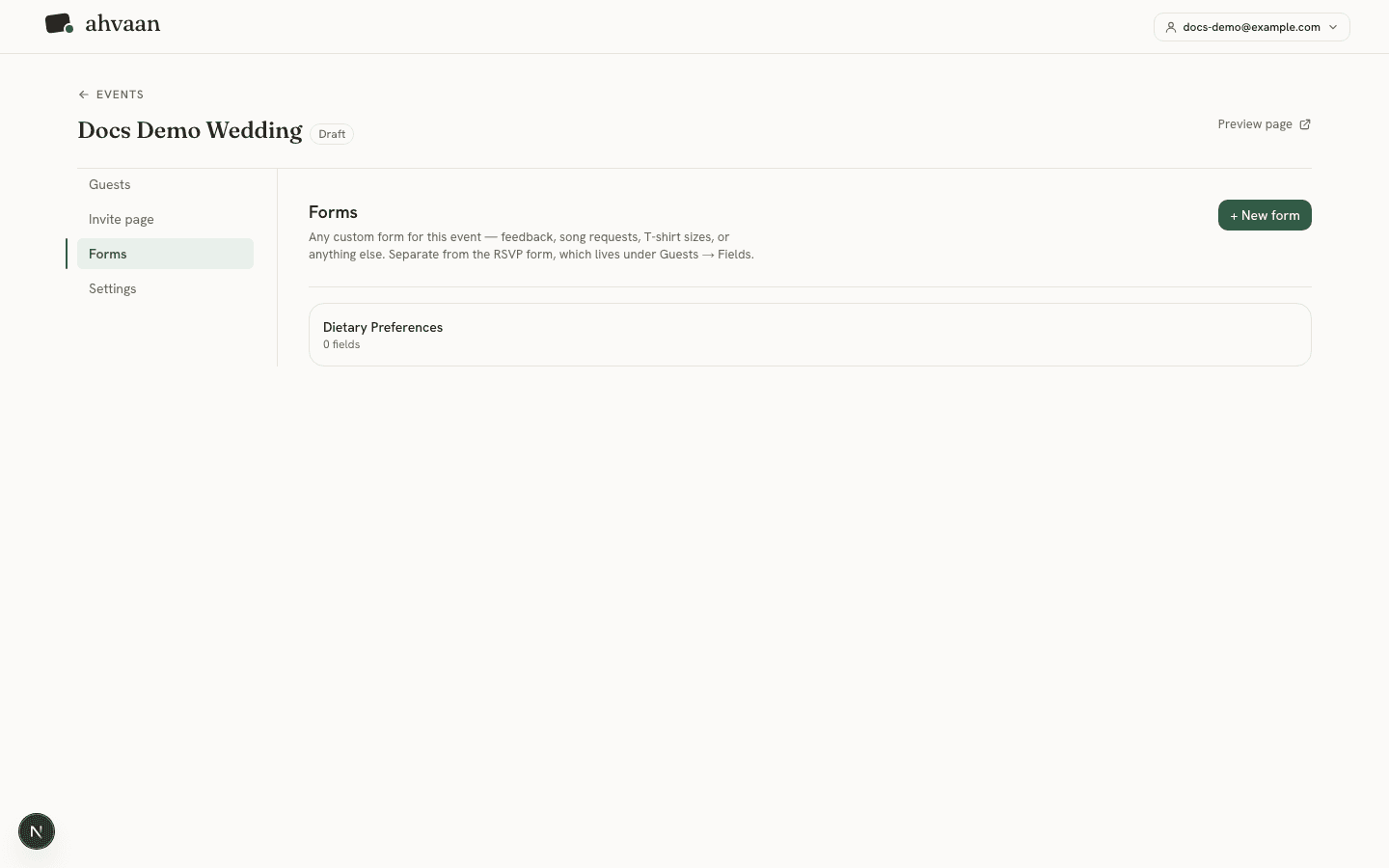
Custom forms live under an event’s Forms tab, separate from the RSVP form. Create as many as you need — a form for song requests, one for dietary preferences, one for a post-event survey — each with its own name, fields, and submissions.
Two different engines, on purpose
Building a form
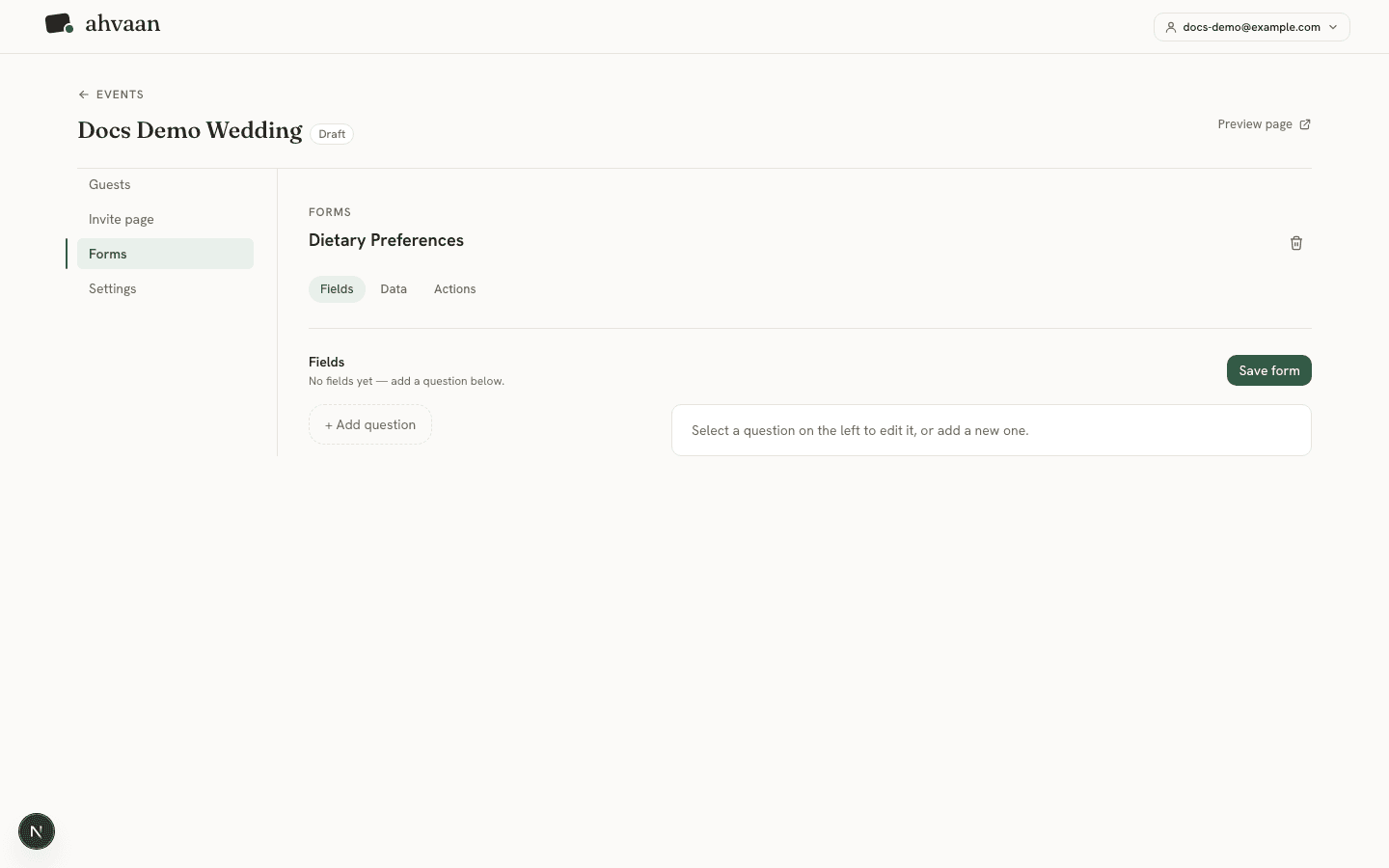
Give the form a name, then add fields from the same kind of field-type list as the RSVP form, just wider: short text, long text, email, phone number, number, date, dropdown, multiple choice, checkbox, checkboxes (multi-select), and address.
Embedding it on your page
A custom form isn’t visible to guests until you add it to your invite page. Open the page builder and add a Form block — the component palette lists your saved forms by name, so you pick which one to embed directly.
Viewing submissions
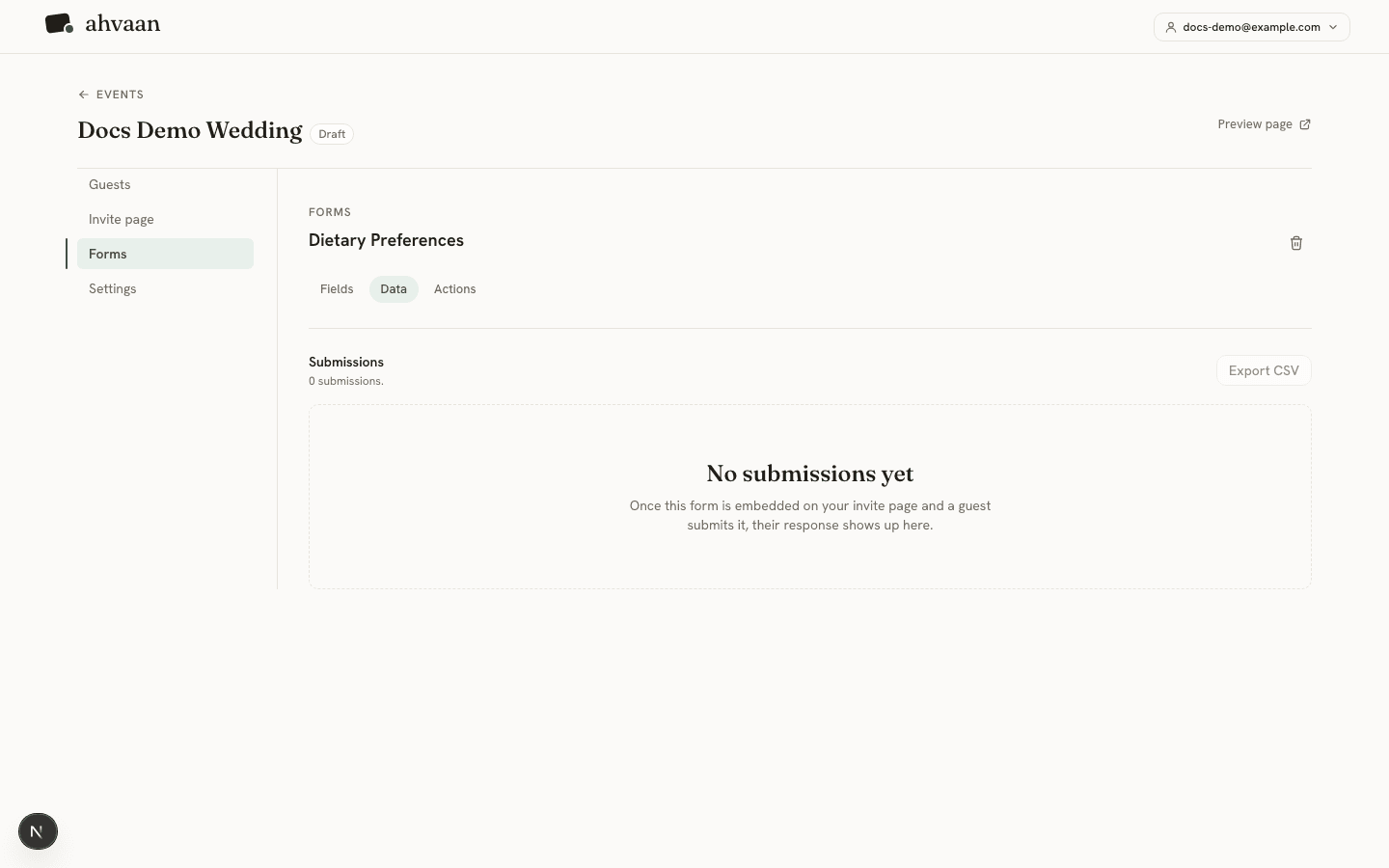
Each form has its own Datatab, listing every submission with the form’s fields as columns, and an export option.
After a guest submits
Custom forms have their own Actionstab, configured the same way as the RSVP form’s — a confirmation message, a redirect, or custom HTML — set independently per form.