Events
Every invitation, RSVP form, and guest list in ahvaan belongs to one event.
Creating an event
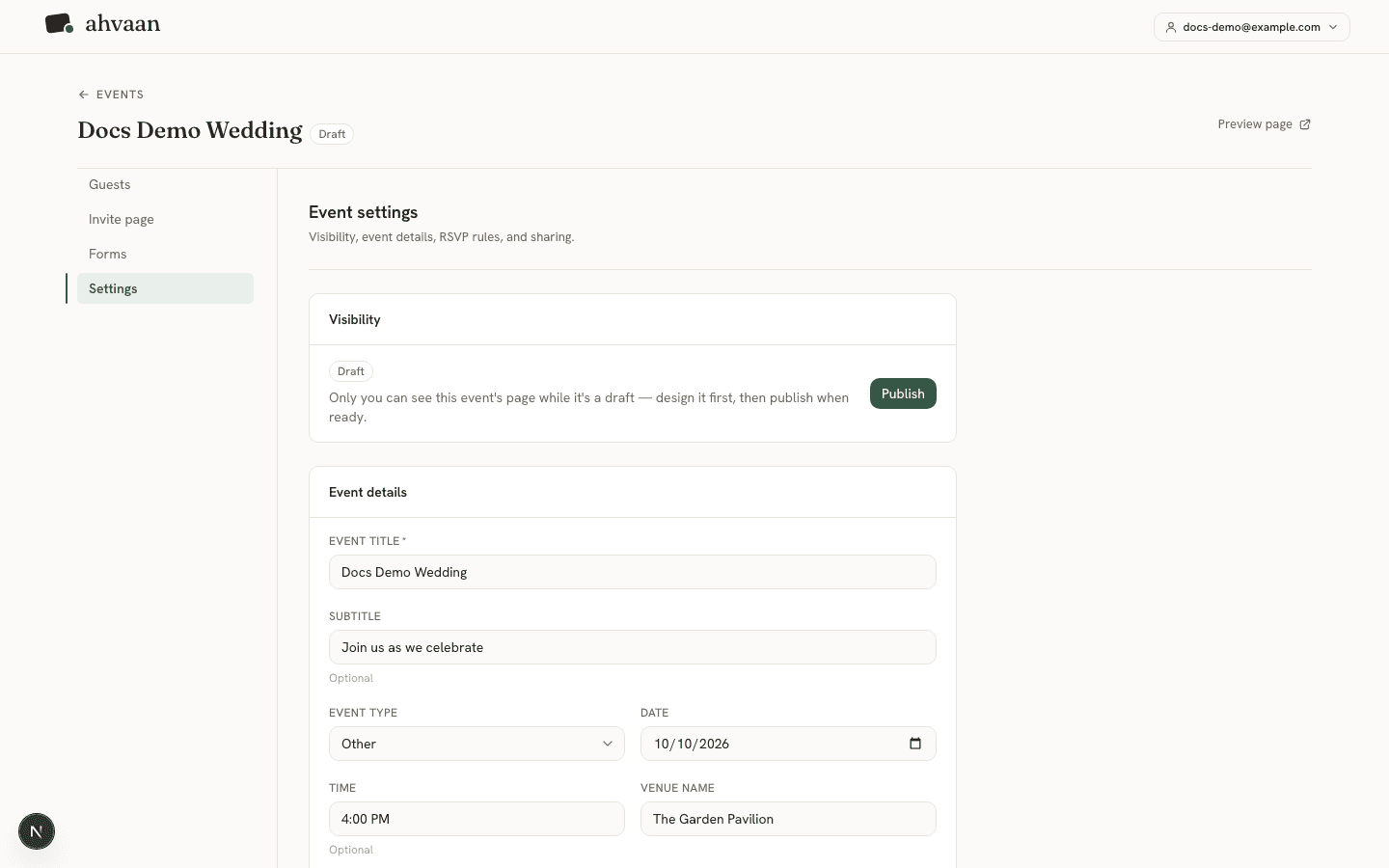
From the dashboard, click Create event and fill in a title, subtitle (optional), event type, theme, date, time (optional), venue name, venue address, and description (optional). You can change every one of these later from Settings, and picking a theme here is just a starting point — you can switch it any time.
Draft vs. published
A new event starts as a draft: its guest page and all its blocks already exist, but the page isn’t reachable at its public link until you publish it from the event’s Settings tab. This is deliberate — it lets you design the page, add blocks, and set up your RSVP form privately, with nothing to see until you’re ready to share it.
Good to know
RSVP deadline
Settings also has an optional RSVP deadline— a date and time after which the RSVP window closes. Once it passes, the RSVP block on the guest page shows a closed message instead of the form (with its own configurable heading and text, editable on the RSVP form block itself); guests who already responded can still see their confirmation, and you can still add or edit any RSVP yourself from Guests. Leave the deadline blank to accept RSVPs indefinitely.
Editing details later
Any change you save in Settings — title, date, venue, description, theme, or anything else — updates the live guest page immediately. There’s no separate “republish” step once an event is published.
Deleting an event
Deleting an event from Settings removes it and everything attached to it — guests, responses, forms — and also cleans up any images you’d uploaded for that event (cover photo, block images) from storage. That storage cleanup is best-effort: it happens after the event itself is deleted, so a storage hiccup never blocks or fails the delete.