Container block
A box that holds other blocks — the building block behind every starter layout.
A box that holds other blocks — the building block behind every starter layout. Reach for it whenever you need side-by-side content or a visually distinct section — most starter layouts and multi-column designs are just nested containers.
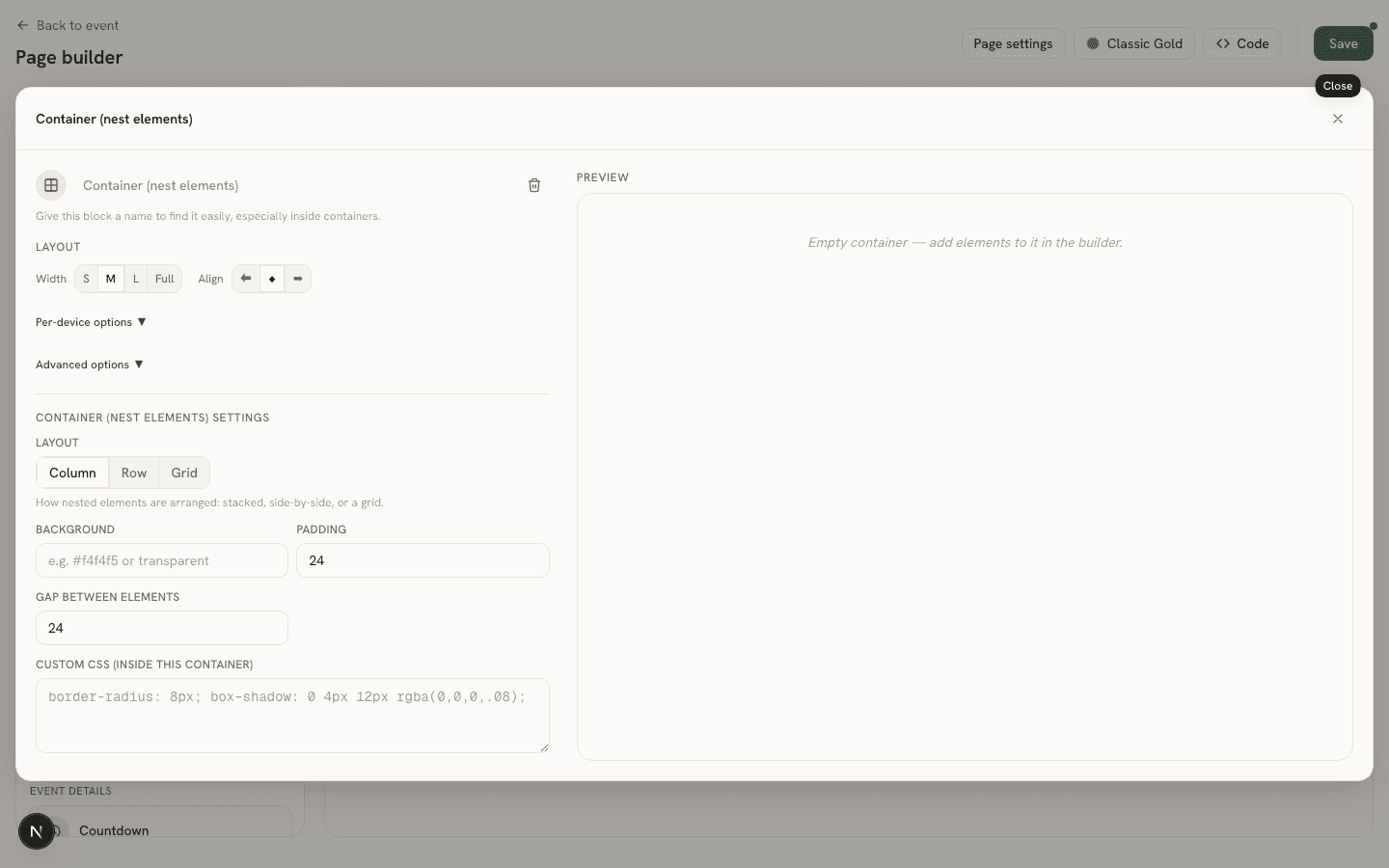
Settings
- Layout (
layoutMode) — Column, Row, or Grid: how nested elements are arranged. - Background (
background) and Padding (paddingPx). - Gap between elements (
gapPx). - Grid columns (
gridColumns) — Grid mode only. - Distribute (
justify) and Vertical align (alignItems) — how children spread out and cross-align; Row/Grid modes only. - Custom CSS (
customStyle) — styles the box itself (background, corners, shadow) — separate from the block-wide Layout → Custom CSS every block has, which positions the box on the page.
An empty container just shows a placeholder note on the canvas until you add something to it.