Countdown block
A live countdown to the event's own date and time — reach for it to build anticipation before the day itself.
A live countdown to the event’s own date and time (set on the Cover/hero block or in Settings) — days, hours, minutes, seconds, ticking down in the guest’s browser.
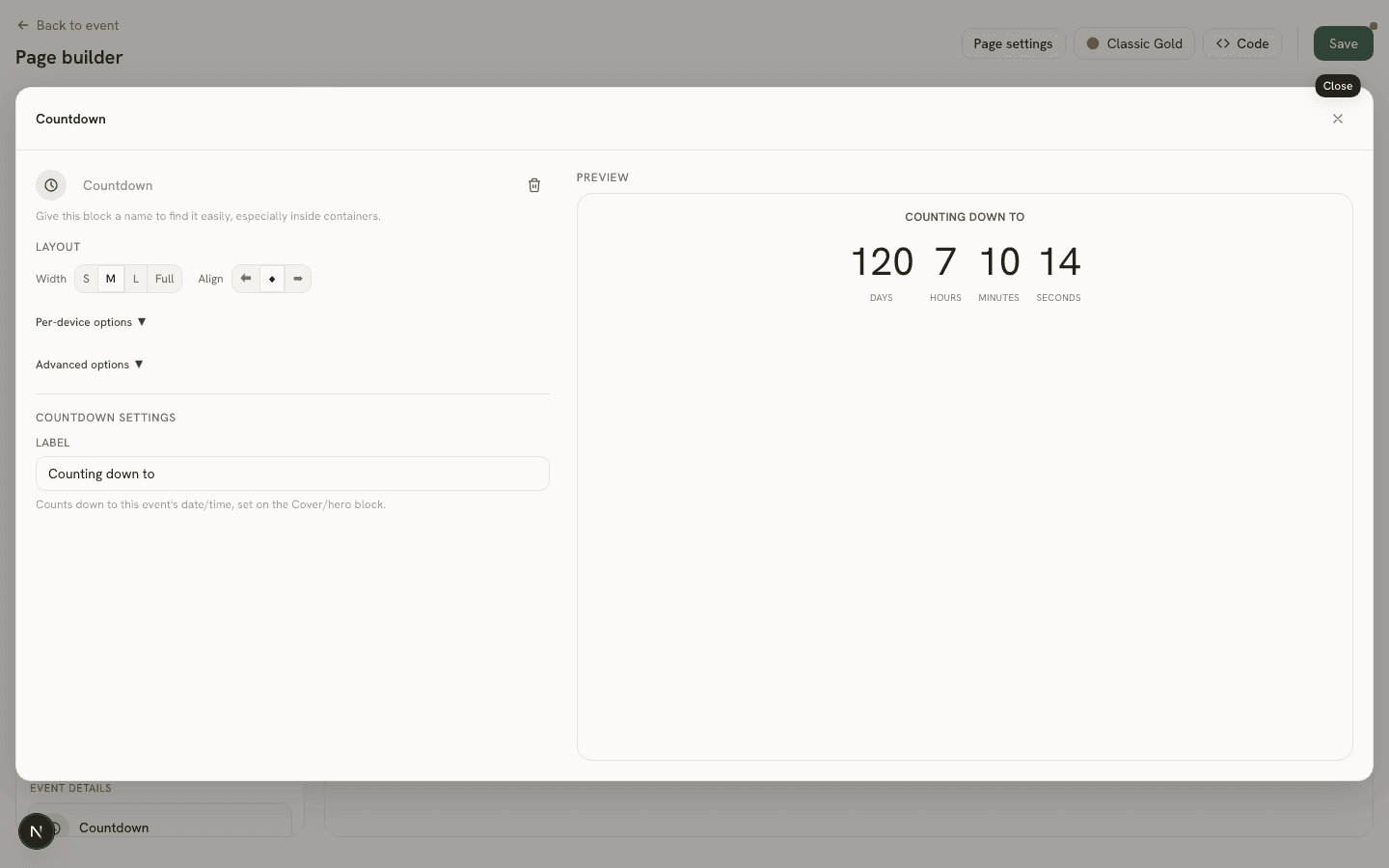
Settings
- Label (
label) — an optional line shown above the countdown (e.g. “Counting down to”).
Good to know
The countdown target itself isn’t configured on this block at all — it always counts down to the event’s own date and time, so changing the date in Settings (or on the hero block) updates every Countdown block on the page automatically.