Schedule / itinerary block
A run-of-show list — ceremony, reception, and anything in between.
A run-of-show list — ceremony, reception, and anything in between.
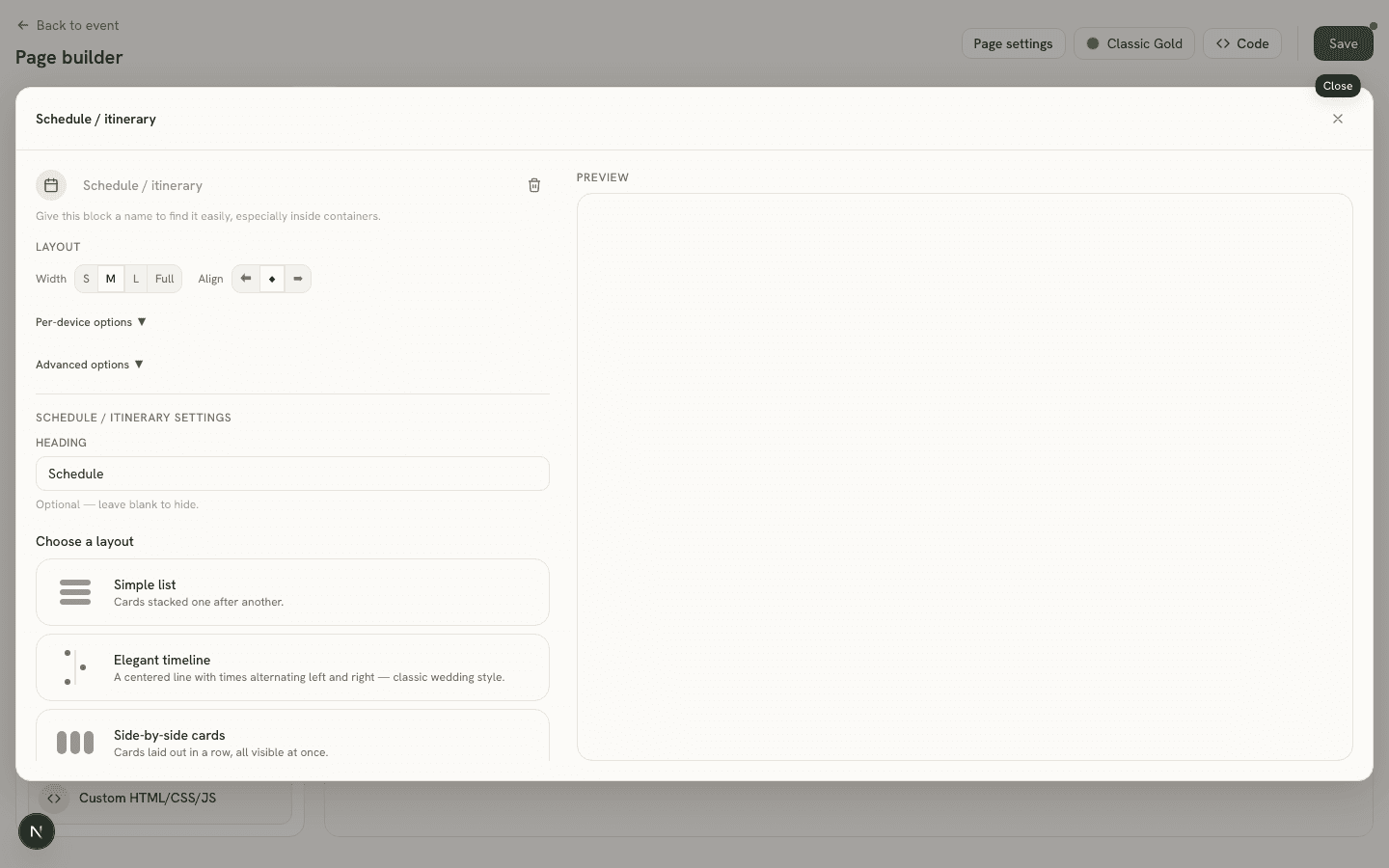
Settings
- Heading (
heading) — optional. - Items (
items) — an ordered list, each with an optional Time, a Label, and an optional Description. - Layout — five one-click presets combine the underlying style (
style: Timeline, Cards, or Minimal), direction (direction: Vertical or Horizontal), text alignment (align), and gap (gapPx) settings into ready-made looks — Simple list, Elegant timeline, Side-by-side cards, Minimal, and Horizontal timeline. An “Advanced layout options” section exposes each of those four settings individually for a one-off nudge.
Good to know
On the guest page, items are always sorted by their parsed time regardless of the order you entered them in; items with no time (or an unparseable one) are appended at the end.