Form block
Embeds one of your own saved custom forms — a guest book message, a song request, dietary details, whatever you've built.
Embeds one of your own saved custom forms — a guest book message, a song request, dietary details, whatever you’ve built under the event’s Forms tab (see custom forms).
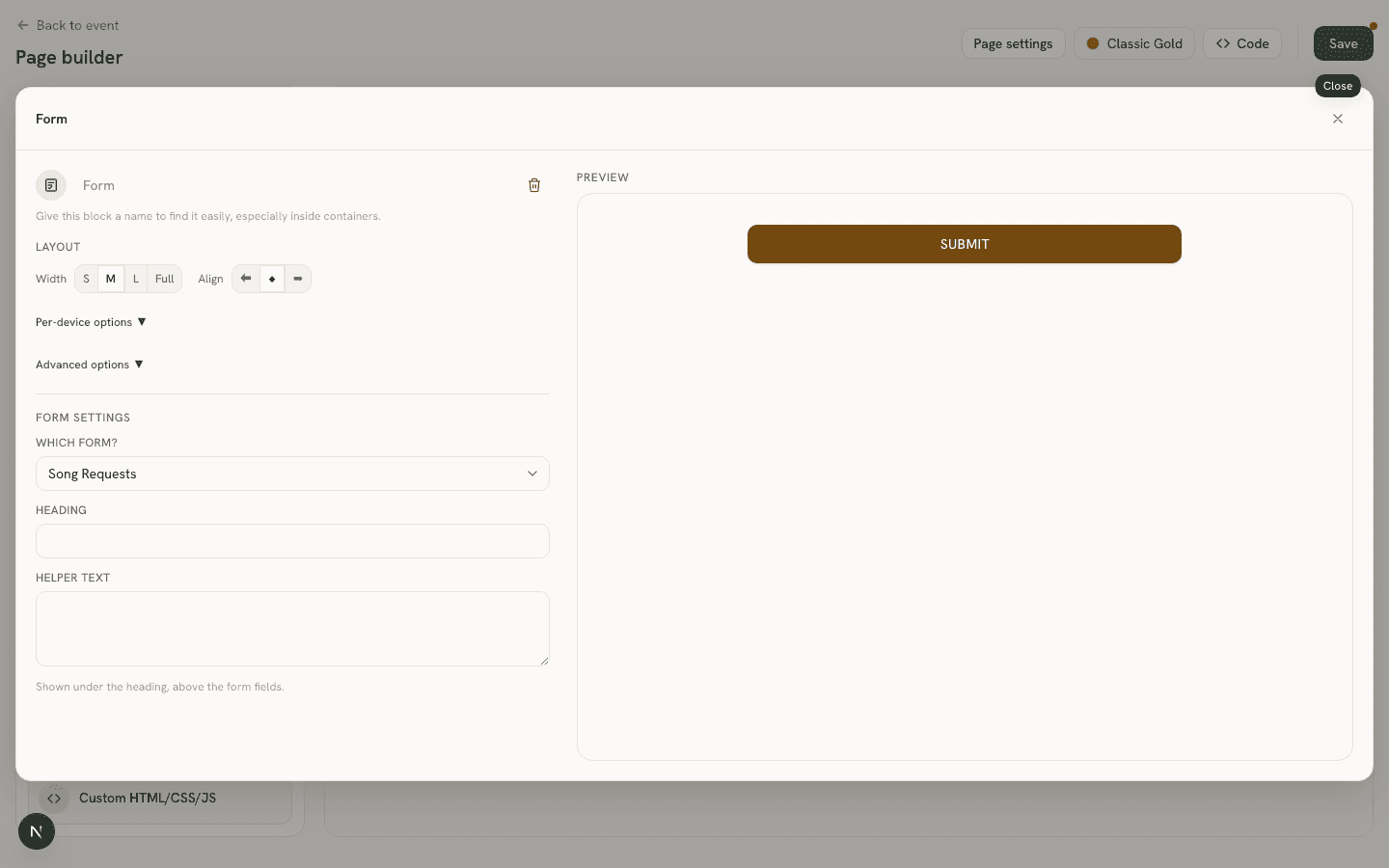
Settings
- Which form? (
formId) — a dropdown of the event’s saved forms by name. - Heading (
heading) and Helper text (helperText).
Good to know
The palette itself skips the generic “Form” entry and instead lists each of your saved forms by name under Guest interaction— clicking or dragging one creates a Form block already pointed at that form, so it renders immediately with no follow-up “which form?” step. If no forms exist yet, that section just prompts you to create one under the Forms tab first.