Cover / hero block
The banner at the top of most invite pages — reach for it once, at the top of the page.
The banner at the top of most invite pages: the event type label, title, subtitle, a date/venue line, and the description — all pulled directly from the event’s own fields (Settings), not duplicated into the block’s own config. Editing this block’s title, subtitle, date, time, venue name, or description updates the event itself. Every new event already starts with one.
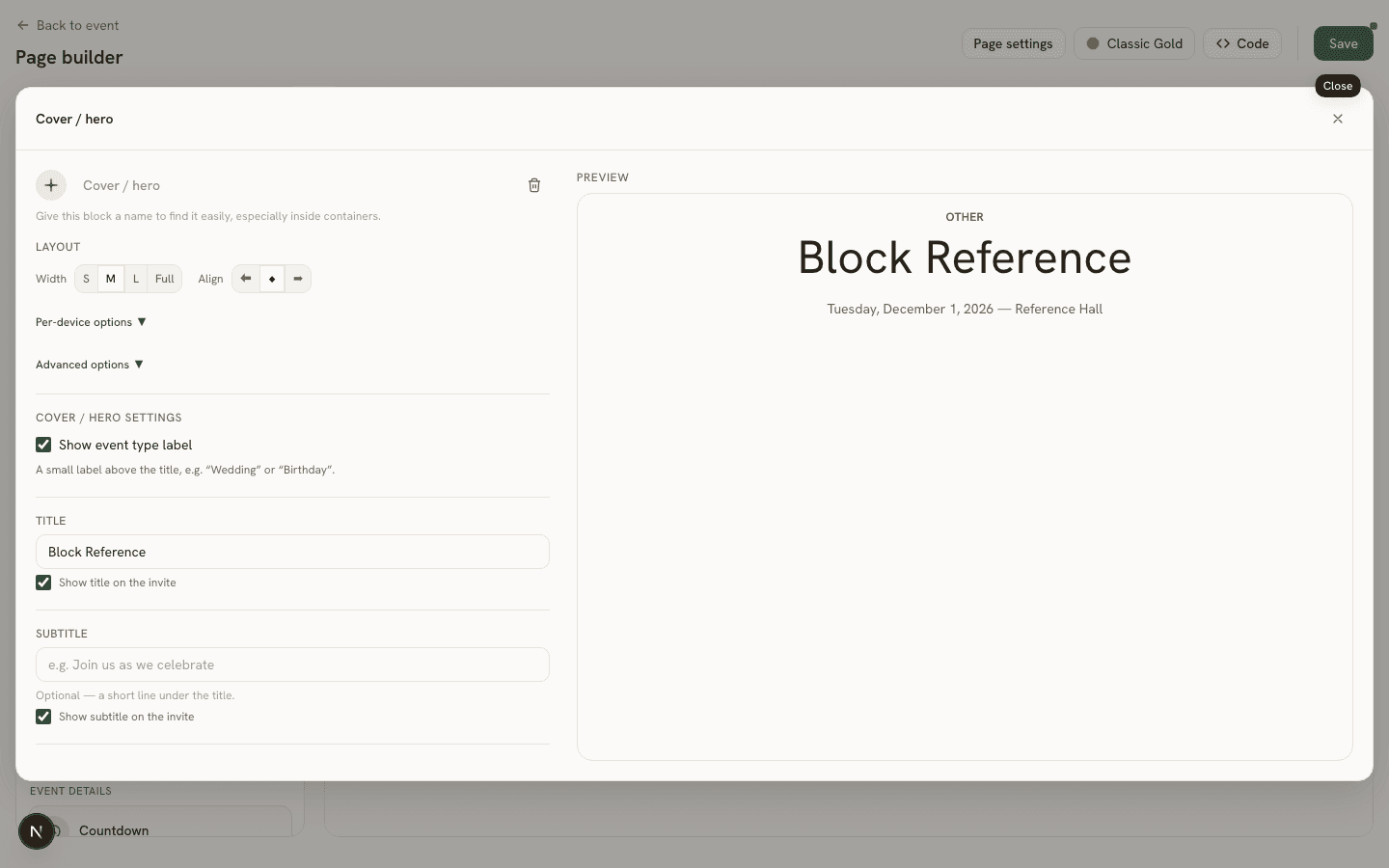
Settings
Its own config is just five independent show/hide toggles, each defaulting to on for a new hero block:
showEventType— the small event-type label (e.g. “Wedding”) above the title.showSubtitle— the event’s subtitle line below the title.showTitle— the event’s title itself.showVenueLine— the date/venue summary line.showDescription— the event’s longer description text.
Toggling any of these off hides that piece of content on the guest page without deleting it from the event — turn it back on any time and the same text reappears, since none of it actually lives on the block.