Image carousel block
A slideshow of multiple photos — a gallery without stacking a dozen Image blocks down the page.
A slideshow of multiple photos. Reach for it for a photo gallery without stacking a dozen separate Image blocks down the page.
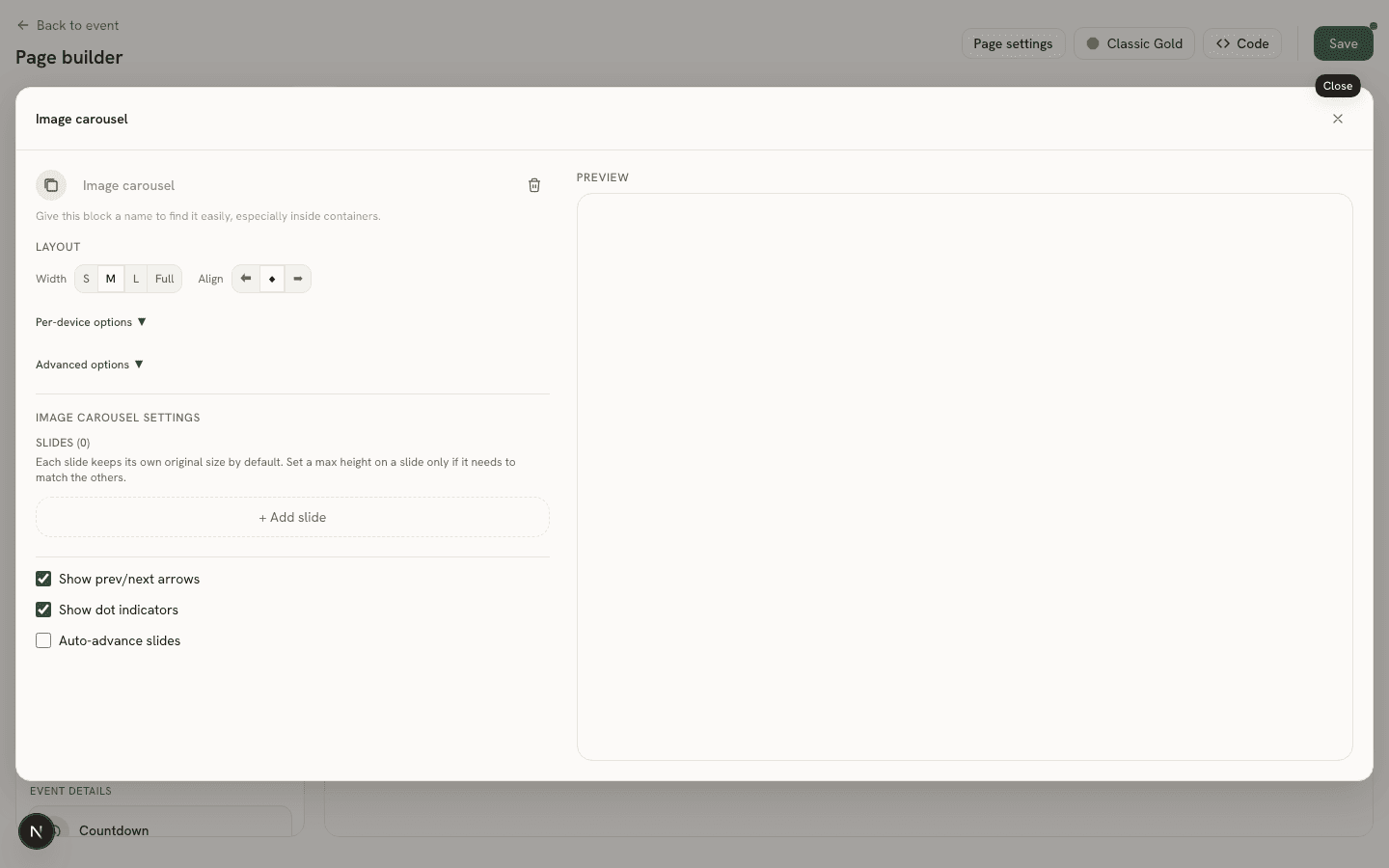
Settings
- Slides (
images) — an ordered list of slides, each with its own image, alt text, and optional per-slide max height/fit — same controls as the single Image block, so one unusually-shaped photo can be capped without affecting the others. - Show prev/next arrows (
showArrows). - Show dot indicators (
showDots). - Auto-advance (
autoplay) — with a configurable seconds-per-slide interval (intervalMs) once enabled.